Jack Righteous Resource Guide
Know what you’re getting before you begin.
See who this resource is for, how access works, and what happens after checkout.
Access
Free resource
Best for
Creators who want focused guidance for this stage of their work.
What happens next
Access instructions are provided after checkout.


Jack Righteous
Music Video Production Starter Kit — Free Fillable Scene Map & Checklist
Music Video Production Starter Kit — Free Fillable Scene Map & Checklist
Impossible de charger la disponibilité du service de retrait
Free Creator Lab · Music Video Planning
Give your next music video a plan worth editing.
You finished the song. Now make the visuals mean something. From Song to Scene helps you shape the story, map the moments, organize your clips and review the finished edit—before the timeline gets complicated.
Free digital download3 editable-friendly formatsWorks beyond CapCut
Use the free C$0 checkout on this page to receive one ZIP with the complete eight-page workbook in three versions. No CapCut Pro subscription is needed to use the kit.
What this helps you do
Find the visual story
Write a focused concept for the song instead of collecting unrelated clips.
Map your scenes
Give six key song moments a purpose, visual direction and edit decision.
Stay organized
Track the shots, references, permissions and assets you actually need.
Finish with intention
Review continuity, pacing, export settings and publishing checks before release.
Inside the download
A working production kit—not another prompt list
The eight-page workbook covers the complete planning arc: a project brief, six-beat scene map, five-shot asset planner, three-pass edit review, export and permissions checks, two worked examples, and a release record. Use the same planning method for a short hook test, lyric visualizer or scene-driven music video; scale the production to the actual song.
Three ways to work
Fillable PDF
Best for quickly typing responses and checking boxes. Includes 55 form fields. Save a new copy for each project.
PDF-editor edition
Selectable, editable page text for people with a full PDF editor. Not a fill-in form.
Editable Word workbook
Change the training text, tables and worksheet layout in Word or a compatible editor. The cover is an embedded image.
Customer instructions
A READ ME FIRST file explains the differences, how to choose a version and how to save your working copy.
The ZIP includes three versions of the same workbook, not three separate courses. You only need one version to complete a project.
Your first working session
- 1Choose one finished song and define what the video should make your audience feel or understand.
- 2Write the one-sentence story and mark the six most important song moments.
- 3Plan the footage using your own, licensed or appropriately generated assets.
- 4Build a rough cut, then review continuity, pacing, audio and final export.
Already working in CapCut? Use the kit alongside the free step-by-step music-video guide.
Who this is for
Independent artists, Suno and other AI-music creators, singer-songwriters, educators, and anyone translating a track into a coherent visual. You do not need an expensive editor or professional production team to start planning. The kit is an organizational resource; it does not generate the actual footage or edit the video for you.
Keep building when you're ready
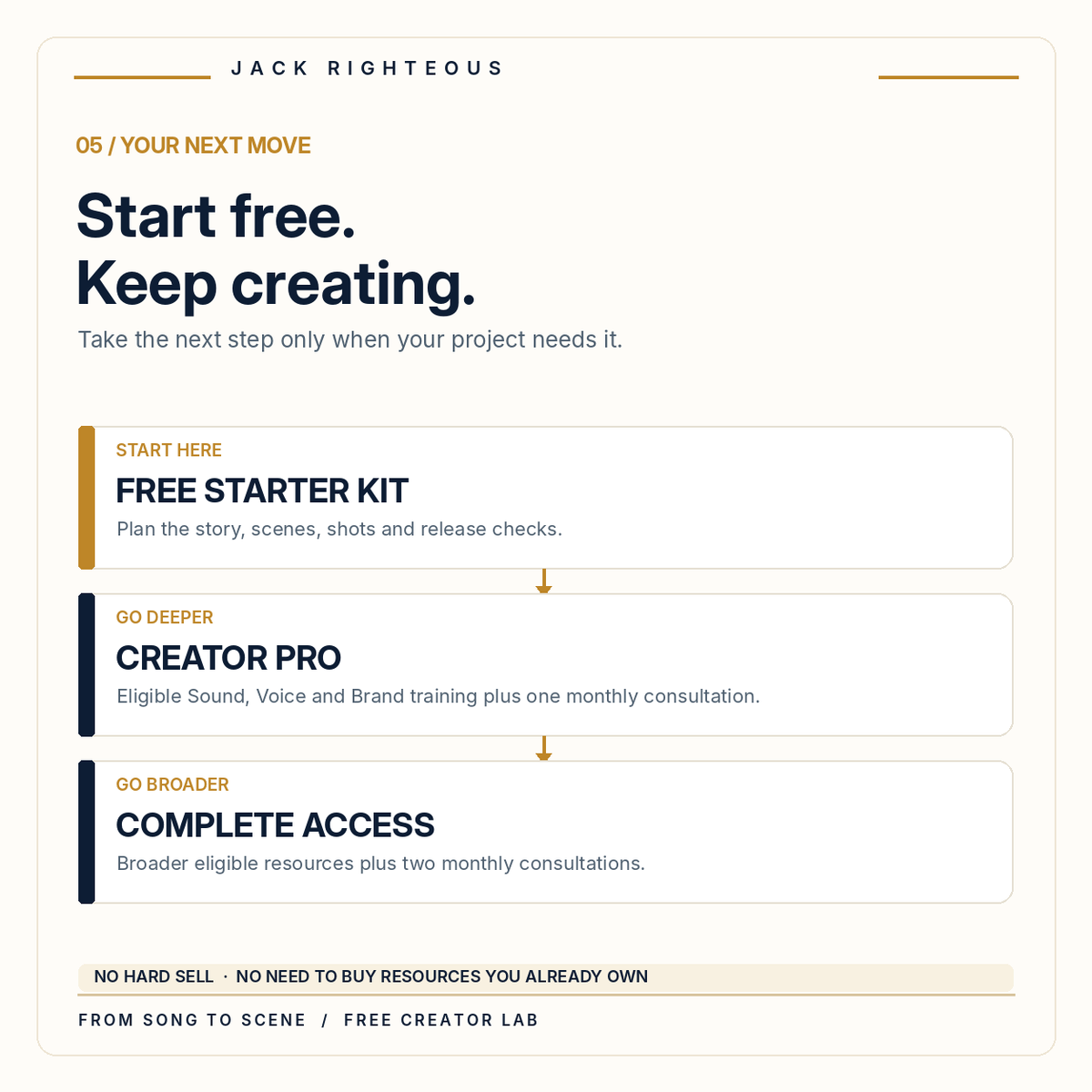
The free kit is the starting point.
If your next challenge is creating a consistent artist identity, developing stronger audio and visuals, or organizing a release—not simply filling in a scene map—there's a deeper Jack Righteous path.
Creator Pro
Deeper eligible Sound, Voice and Brand training, current member resources, updates and one focused consultation each month.
Explore Creator ProComplete Access
The broader eligible creator resource system plus two focused monthly consultations under current membership terms.
Explore Complete AccessPrefer a one-time fixed resource edition? Explore Creator Library. Current inclusions and subscription terms are shown on each offer page. Existing members should use resources already included with their access.
Questions before you download
Is this really free?
Yes. This product is C$0. Complete the free Shopify checkout to receive the customer ZIP; any optional marketing email subscription is separate from obtaining the download.
Do I need CapCut or CapCut Pro?
No. The kit teaches planning and review decisions that work with suitable video editors. CapCut is used in the free companion tutorial, and individual app features may vary by version, device and plan.
Which version should I open first?
Start with the fillable PDF for a quick project. Use the Word workbook if you want to rewrite questions, expand tables or redesign the worksheet. The PDF-editor edition is for people with suitable editing software.
Will the download create or edit my video?
No. This is a practical workbook for story, scene, shot, quality and release planning. You create the footage and edit using your chosen tools.
Can I use the kit for videos I plan to publish?
Yes, as a planning resource. You remain responsible for licences, source materials, permission to use a person's image or voice, platform disclosures, and the final work you publish.
Digital training resource · Customer edition, November 2026 · Eight pages per workbook version · Educational information, not legal or copyright-clearance advice. No publishing, platform-approval or commercial outcome is guaranteed.