
Jack Righteous Resource Guide
Know what you’re getting before you begin.
See who this resource is for, how access works, and what happens after checkout.
Access
Free resource
Best for
Creators who want focused guidance for this stage of their work.
What happens next
Access instructions are provided after checkout.


Jack Righteous
Level Up Season — Q4 2026 Free Creator Development
Level Up Season — Q4 2026 Free Creator Development
No se pudo cargar la disponibilidad de retiro
JACK RIGHTEOUS / LEVEL UP SEASON / Q4 2026 / FREE STAGE 2
Level Up Season: Make Q4 count.
Level Up Season connects your work to a clearer identity, audience, brand and plan.
The first project is only the beginning. A song can become a release. A release needs a message. A message needs people who care. A creative skill can become a body of work, a useful service or a business. The point is not to do everything. It's to see what belongs together and make the next decision with purpose.
FREE DIGITAL DOWNLOAD · STAGE 2 · NO MEMBERSHIP REQUIRED
October–December: your Q4 creator plan
Use real seasonal opportunities to develop your work rather than chasing every holiday. October: Halloween and Canadian Thanksgiving; November: US Thanksgiving, Black Friday and Cyber Monday; December: Christmas, Boxing Day and a practical year-end review.
Learn from the Halloween jingle lesson, the free Thanksgiving family printable, the Black Friday / Cyber Monday creator guide, and the family holiday album example.
The Q4 2026 customer package is now attached. It includes the fillable seasonal guide, a How to Use Jack Righteous orientation PDF, a free-resource directory PDF, and three plain-text support files. Other individual free resources are linked through the Level Up collection and downloaded separately.
Who Level Up is for
Bring a first AI project, an existing song, a draft book, a brand idea, a creative service or a small business concept. Level Up helps you connect the work rather than restart it. If you haven't made anything yet, begin with the free AI Starter Kit — Stage 1.
By the end, you should be able to say what you're building, who it's for, what makes it yours, what needs attention next and how you'll tell whether progress is real.
What's currently in the downloadable kit
The current Q4 ZIP contains six files: three PDFs and three text files. The earlier Level Up worksheets are not included as separate downloads in this edition. Here is how the current seasonal training supports the next stage of your work:
- START HERE — orientation and the order of work.
- Start With What You Have — assess your current project rather than begin again.
- Choose Your Creator Track — find the right Sound, Voice, Brand or operating path.
- Choose Your Support Relationship — understand the free and optional paid routes.
- Meet Your Creator System — understand how the JR resources work together.
- The Big Money Question — consider return on time, useful outcomes and possible income.
Each linked free training product in the Level Up Season collection has its own download. They are not all bundled into this ZIP.
Four connected decisions—not four new courses
- Identity: what do you want your work to stand for? Start with the AI Artist & Creator Identity pack.
- Voice and audience: who is it for, what are you saying, and what matters to them? Use Audience, Point of View & Message and Music Audience Profiles as appropriate.
- Brand: what should people recognize and remember? Work with Creator Brand Identity and Get Righteous brand systems.
- Operation: what are you ready to publish, share, test or improve? Explore the Creator Campaign Builder, AI Music Release & Distribution Guide and Rights & Monetization guide.
Those are separate free resources, not assignments you must complete in one sitting. Choose the material that solves your present problem.
The free system keeps moving
A useful creator system cannot be frozen inside a ZIP. I regularly publish research, practical testing, news, tutorials, creator stories and improvements to the training.
- Level Up Season collection — the curated Stage 2 training library.
- Creator Roadmap and Free Creator Labs — the broader routes and practical learning.
- Music Intelligence and Creator Intelligence — editorial context for industry and creator changes.
- Public blogs and Creator Spotlight — fresh experiments, guides and examples from creators.
- Jack Righteous Updates — new tools, site developments and releases.
When free is enough—and when support helps
Stay with the free training for as long as it moves your project forward. If your work needs deeper resources or continuing support, there are three distinct choices.
- Creator Library — a one-time purchase for self-directed tools and materials.
- Creator Pro — ongoing training and focused support for an active creative lane.
- Complete Access — broader training and support for connected projects that need continuity across creation, brand and operations.
See the product listings for current pricing and inclusions. The free Level Up package stands on its own.
The thinking behind the work
AI Made It Possible is part of the larger idea behind the Jack Righteous system: tools may expand your capability, but people remain responsible for the direction, quality and impact of what they make. If that interests you, see the Second Edition Author's Digital Book alongside the free resource system.
Ready to work on what's next?
Return to the product purchase area above, choose Add to Cart and complete the free checkout to receive the Level Up download.
↑ BACK TO TOP — GET LEVEL UP SEASON FREEJack Righteous · Create What You Love | Love What You Create.


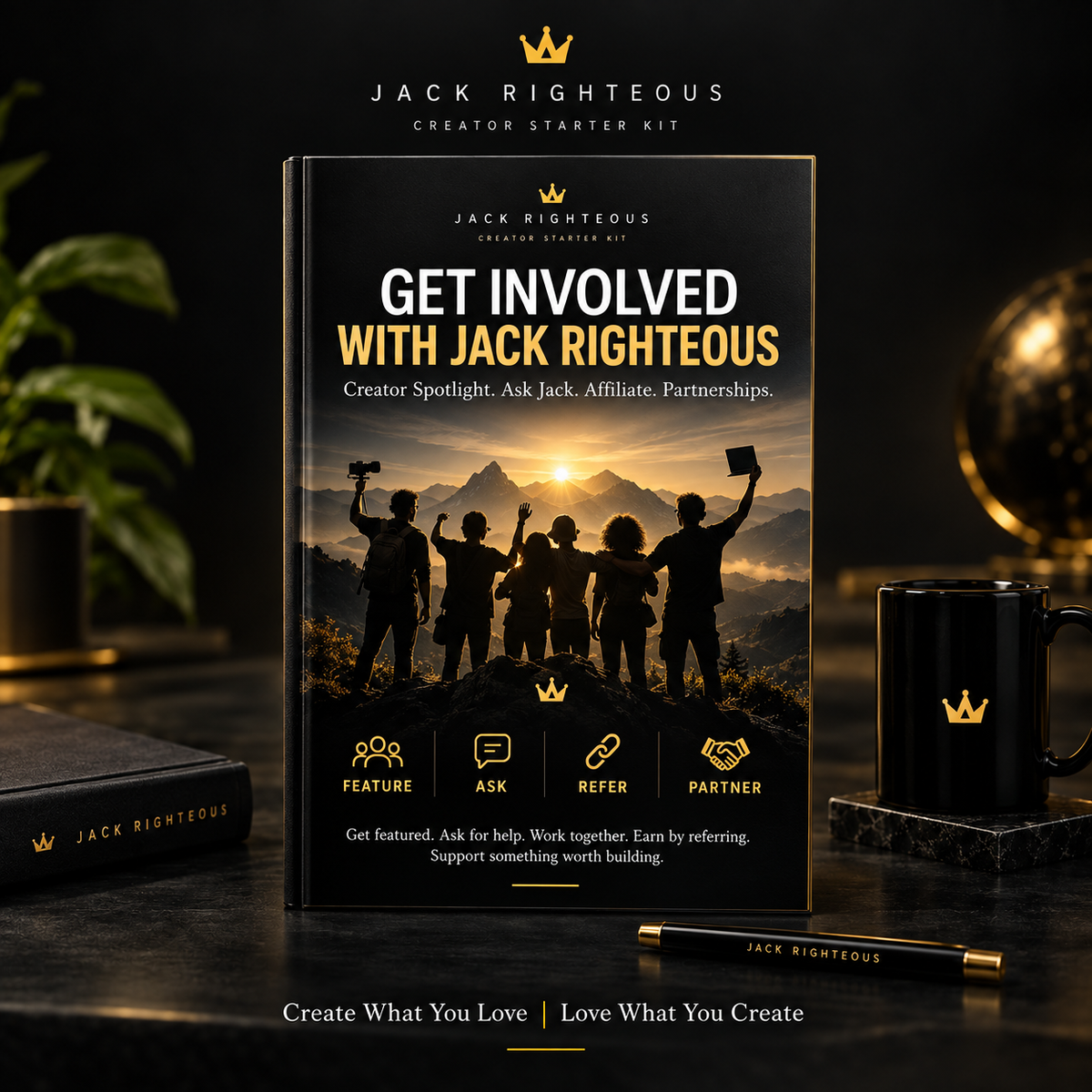

ai-music-starter-kit-guide
ai-music-starter-kit-guide
ai-music-starter-kit-guide
ai-music-starter-kit-guide
ai-music-starter-kit-guide
