JR Creator Essentials · AI audio project training · Fillable PDF package
Start with the project, not the platform.
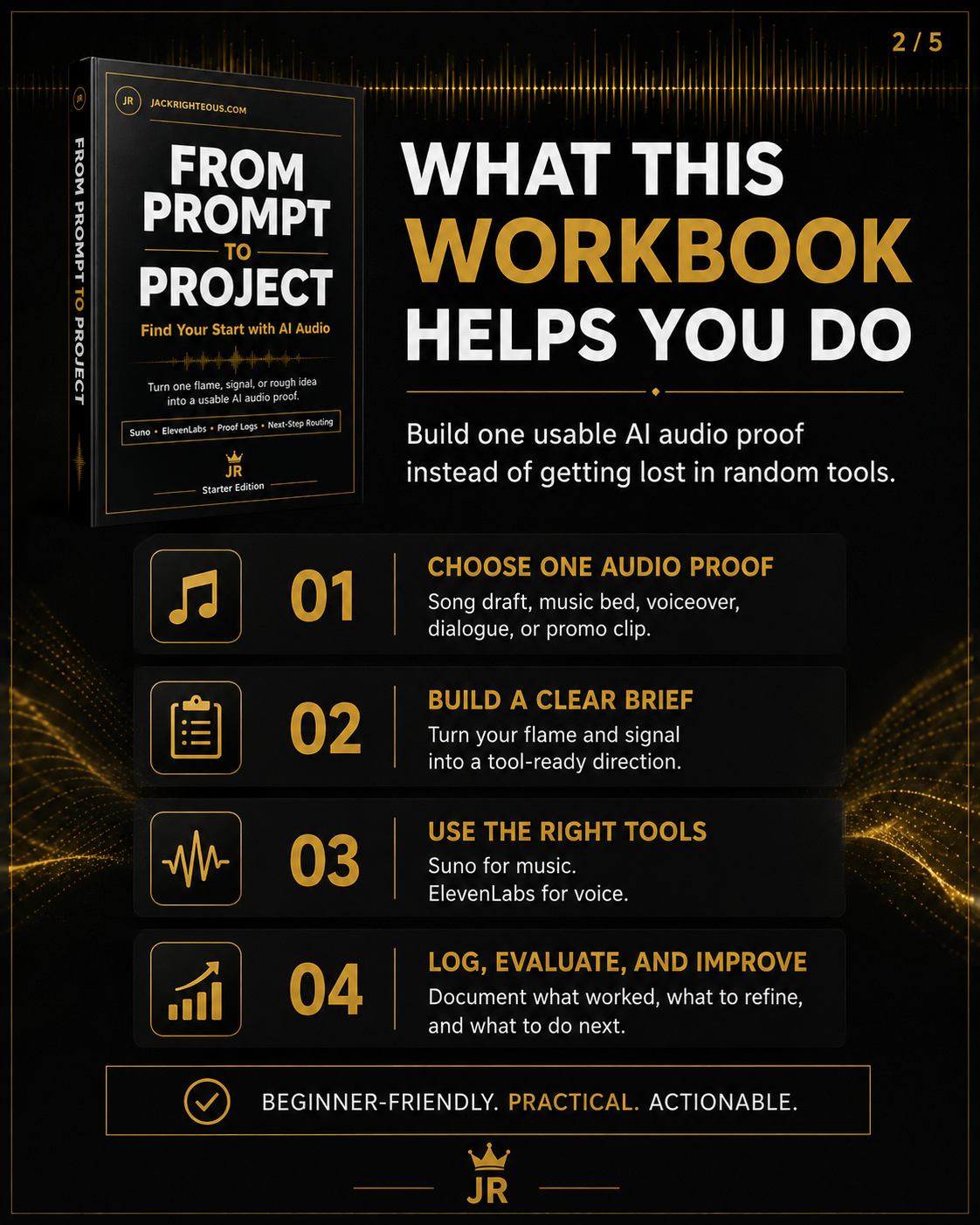
From Prompt to Project helps you turn one meaningful idea into one usable, evaluated and documented audio proof—without jumping endlessly between tools or regenerating without direction.
Work through a complete project method for music, narration or combined audio. Decide what the listener should understand, build a reliable brief, choose the tools that fit the job, evaluate the result and record your next action. Start with the project you actually want to finish; you do not need to complete every platform exercise.
C$5 one-time · Current PDF package v1.1
One ZIP, three fillable PDFs and Read Me First: a 48-page execution workbook, a 6-page reusable project-management log and an alternative 6-page printer-friendly log. No Excel, physical shipment or coding required.
What you receive
01 · Execution Workbook48 pages. Project-first instruction, the Flame/Signal/Brief framework, format and tool selection, music/voice/hybrid examples, a worked fictional case study, scoring, problem diagnosis, rights checkpoints and fillable working pages.
02 · AI Audio Project LogSix fillable pages. A reusable project record covering purpose, approved brief, sources, generations, settings, scorecards, permissions, approvals, final files and next decisions.
03 · Printer-Friendly LogSix fillable pages. The same management workflow in a light-background format for printing or handwriting. Use either log; you do not need to fill out both.
The included Read Me First explains how to save working copies and keep source documents and audio exports organized separately. The PDFs reference your project files; they do not contain or store the finished audio.
The project-first method
-
Flame: explain why this work matters and what question the first proof should answer.
-
Signal: decide what a real listener should understand, feel or recognize.
-
Brief: specify output format, duration, audience, constraints, creative requirements and success criteria.
-
Tool Path: select the simplest available tool or combination of tools for the specific jobs involved.
-
Proof: generate a first version, listen, compare and record what happened against the original brief.
-
Decision: keep, revise, change approach or hold the project—and state why.
A project brief is not the same as a platform prompt. The brief preserves your purpose and requirements when you switch tools; the prompt and settings are how you implement that brief in a particular service.
Choose the right audio project
Music proof · Suno, Musicfy and Eleven Music
Start with a song draft, instrumental bed or short musical concept. Define the creative job and listening criteria before generating. Use each platform's supported generation and editing controls without assuming identical prompts or results.
Spoken-audio proof · ElevenLabs, Musicfy and Suno Speech
For straightforward narration, consider direct text-to-speech. For permitted transformation of an existing recording, evaluate voice conversion. For a spoken creative performance with musical accompaniment, consider Suno Speech beta. These are different workflows with different limits and permission requirements.
Hybrid audio · Combine music and speech
Plan an introduction, podcast opening, promotional clip, story scene or music-backed narration. Select each tool for its specific role, then use an editor where needed. Check that the voice remains understandable and the music serves the message.
Suno, Musicfy, Eleven Music and ElevenLabs change over time. The workbook separates project principles from platform instructions and encourages checking current controls, account access and terms before each production.
A fully worked creator example
One Idea, One Project — a fictional 45-second workshop introduction
Follow an imaginary creator, Maya, as she defines her audience and message, writes a short approved script, chooses narration and music roles, compares two illustrative versions with a scorecard, fixes a specific problem, and records the approved file and next action.
The example is educational: the scores and listening observations are hypothetical, not a claim that these platforms produced those specific recordings or achieved identical results.
Make clear decisions instead of guessing
- Evaluate only criteria relevant to your format, using N/A for categories such as voice clarity when your project is instrumental.
- Distinguish a poor creative brief from a problem with an actual tool setting, script, arrangement or mix.
- Change one variable at a time when practical, and remember that AI output can vary even with unchanged instructions.
- Keep a version history, source files, submitted instructions, and the reason for choosing or rejecting a candidate.
- Finish with a clear approval or hold decision. A strong creative score cannot override missing permission, factual errors or unresolved usage terms.
Responsible use and project records
The guide separates commercial-use permission, voice consent, source ownership and copyright eligibility. Those are not interchangeable. Record the account plan, model or tool, relevant creation and download dates, input licenses, source permissions and intended use. Do not treat a completed checklist as guaranteed legal clearance.
For Musicfy, Jack Righteous has a commercial partnership with the platform. Musicfy is included because it offers relevant music and voice workflows; this training presents practical differences and limitations rather than treating the partnership as proof of suitability for every project.
Who this is for
- New creators who have an audio idea but are unsure what to make first.
- Musicians who need a clear plan before their next song or instrumental generation.
- Writers, educators, podcasters and storytellers producing their first narrated or music-backed asset.
- Creators who keep changing tools without retaining useful proof or learning from their results.
- Anyone who wants PDF-first planning and tracking instead of managing a spreadsheet.
What this guide is not: a comprehensive mixing course, a large prompt bank, voice-cloning instruction, music distribution training or a guarantee that any AI output can be commercially released.
How to use your purchase
- Download and unzip the From Prompt to Project — AI Audio PDF Package after checkout. Keep the blank originals.
- Open the 48-page fillable workbook and choose one music, spoken-audio or hybrid project.
- Complete your Flame, Signal and project brief; follow the route that fits your available tools.
- Generate or assemble the proof, then use the applicable scorecard and source/rights checkpoints.
- Save one copy of either the standard or printer-friendly PDF management log for your project, preserving exact filenames and approval decisions.
- Save, close and reopen your filled PDFs. Keep long scripts, prompts and exports in separate project files, and document the correct next step.
PDF fields have fixed visible space when printed. For lengthy answers, save the full text separately and put its filename into the log so no work is lost.
How it fits the JR training roads
From Prompt to Project owns your first project-level decision system. If the result reveals a specific obstacle, continue with the right resource rather than repeating this course or buying material you already have.
-
Find Your Sound: improve music prompts, arrangement direction or repeatable song decisions.
-
Find Your Voice: clarify the message or improve a spoken performance.
-
Find Your Brand: develop recognizable presentation and consistent communication for the asset.
Questions before you buy
Is this a course, a PDF, or a bundle?
It is a one-time digital PDF package: one 48-page fillable execution workbook, a six-page reusable fillable project log, an alternate printer-friendly six-page log, and Read Me First. The product does not require a membership or a separate spreadsheet.
Do I need every listed AI platform?
No. Start with the tools you have access to and that suit your specific audio project. Platform implementations are separate branches, not required steps in one enormous workflow.
Does this replace the music prompting or spoken voice guide?
No. This workbook manages a project from purpose to first proof and handoff. The AI Music Prompting Starter Kit teaches deeper music prompting; Master the Voice focuses on one spoken-audio production. The other manuals are optional when a specific need emerges.
Does this purchase include all future editions or Creator Pro access?
This one-time purchase provides the included current edition. It does not automatically grant a subscription or every future revision. Check your existing JR purchases and membership terms for any included downloads or updates before purchasing again.
Can I publish or sell every generated file?
No automatic clearance is implied. Check the current platform plan, applicable download and commercial terms, your source material, voice consent, destination rules and jurisdiction. The guide is educational, not legal advice.
Digital educational product. Platforms, account features, rules and permissions can change. No generated result, distribution approval, copyright registration, rights clearance or revenue is guaranteed.
Create What You Love | Love What You Create.
↑ Back to top