
Jack Righteous Updates: Drops, Tools & Announcements
How I Used a Pre-Release Playlist to Shape the Unison Album
A case study of using a SoundCloud pre-release playlist to test the 12-track Unison album, compare versions, evaluate sequencing, collect targeted feedback and preserve useful runners-up.
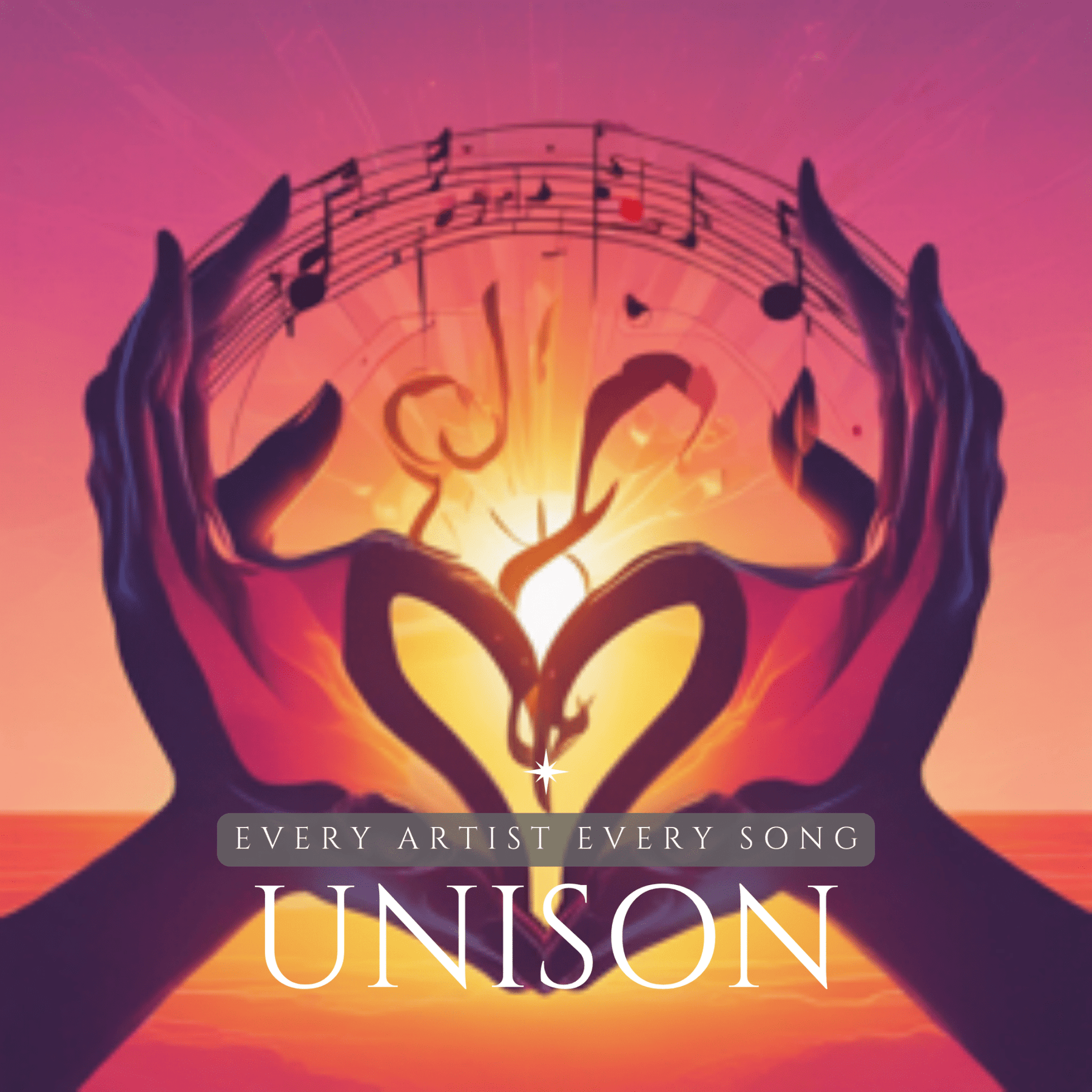
AI album development case study · Updated July 2026
The Unison project began as a Canada Day song and expanded into a 12-track album exploring several genres around a shared message of unity and support for Canada’s music community. Before the final release, I placed the album sequence and several runners-up in a SoundCloud playlist. That pre-release stage exposed decisions that individual song generation could not answer.
Why a playlist was necessary
A strong song can still weaken an album. The playlist allowed me to hear transitions, repeated ideas, genre jumps, pacing and the difference between a favourite experiment and a track that genuinely served the complete project.
From one song to too many possibilities
The original idea was relatively focused: create an uplifting Canada Day song connected to the phrase “Every Artist, Every Song.” Once Suno made it easy to reinterpret the same lyrical centre through acoustic, Afrobeats, rock, country, funk and electronic styles, the project grew quickly.
That growth felt productive because each version demonstrated a new possibility. It also created four problems:
- several songs communicated nearly the same message;
- genre variety sometimes felt like range and sometimes felt like inconsistency;
- personal favourites were not always the best sequence choices;
- the working folder contained more usable material than the final album could carry.
The original pre-release playlist
The SoundCloud version preserved the intended album order together with bonus tracks that did not make the final release. That made it useful as both a listener experience and a project archive.
Open the original SoundCloud playlist
What I was testing
| Album question | What I listened for | Possible decision |
|---|---|---|
| Does the opening establish the project? | Clear message, accessible sound and enough energy to continue | Keep, replace or shorten the opener |
| Do the genre changes feel intentional? | Shared lyric ideas, production anchors and emotional continuity | Reorder, group related tracks or remove an outlier |
| Are there too many versions of one idea? | Duplicate hooks, similar emotional roles and repeated structure | Choose one definitive version and archive the rest |
| Where does attention fall? | Long introductions, weak middle tracks and repeated intensity | Edit, move or cut the track |
| Does the ending resolve the album? | Emotional completion, final message and contrast with the opener | Select a closer that completes the arc |
The seven-stage pre-release method
1 · Freeze the candidate list
Stop generating before testing
A playlist cannot reveal the shape of an album if new tracks are being added every day. Set a temporary boundary and evaluate the material already created.
2 · Define each track’s job
Every song needs an album role
Label the opener, statement song, contrast track, emotional centre, energy peak, reset and closer. Two tracks competing for the same role may not both be necessary.
3 · Listen without editing
Experience the current sequence like a listener
Play the full project away from the generation interface. Record moments of confusion, repetition, fatigue or lift without stopping to repair them immediately.
4 · Ask targeted listeners
Request decisions, not compliments
Ask which track they would remove, where the project begins to feel repetitive, which song best represents the album and what they remember after one complete listen.
5 · Separate song quality from sequence fit
A cut track is not necessarily a failed track
Strong runners-up can become singles, bonus tracks, alternate versions or evidence for a later project. Removing them may improve both the album and the archive.
6 · Repair only the selected album
Do not spend final-production time on every candidate
Once the sequence is chosen, focus lyric, structure, audio and metadata work on the tracks that will actually be released.
7 · Preserve the pre-release record
Document why the album changed
Save the candidate order, listener notes, removed tracks, final sequence and reasons. That record converts subjective revision into a reusable creator method.
How to use runners-up properly
Alternate version
Keep it when the same lyric serves a clearly different audience or use.
Future single
Hold it when the track is strong but interrupts the current album arc.
Training example
Use it to show how genre, prompt or structure changed the same source idea.
Archive only
Preserve it when it documents development but no longer deserves public promotion.
What the Unison pre-release taught me
The playlist confirmed that AI could help me explore musical range rapidly. It also showed that range is not an album concept by itself. Cohesion had to come from the recurring message, the emotional order, the selection and the presentation.
I also learned that listener feedback becomes useful only when it changes a defined decision. General encouragement can support a creator emotionally, but it cannot replace the hard work of choosing what belongs.
Pre-release checklist
- The candidate list is temporarily closed.
- Every track has a stated project role.
- The sequence has been heard from beginning to end on another platform or device.
- Feedback questions are specific.
- Rights and source documentation exist for every public candidate.
- Removed tracks have an archive status.
- Final-production effort is reserved for the selected release.
- The project has one owned page or destination for listeners.
Shape the project, not only the songs
Use Sound, Voice and Brand to make the final selection
The AI Creator Roadmap helps separate musical problems, communication problems and presentation problems. Ask Jack when you have more good tracks than one project can responsibly hold.
This article preserves the 2024 pre-release playlist as a creator-history asset. The original competition promoted in the old article is closed.
Stay connected to what changes
Do not lose the next useful creator update.
The Righteous Beat connects consequential platform changes, practical tools and new free resources.

Discussion