
Suno AI Music Articles & Updates
Suno AI Prompt Guide A–C: Free Genre Prompts and Prompt Builder
Build clearer AI music prompts with a five-part production brief, then adapt 27 copyable Suno-ready A–C examples without losing the musical lane.
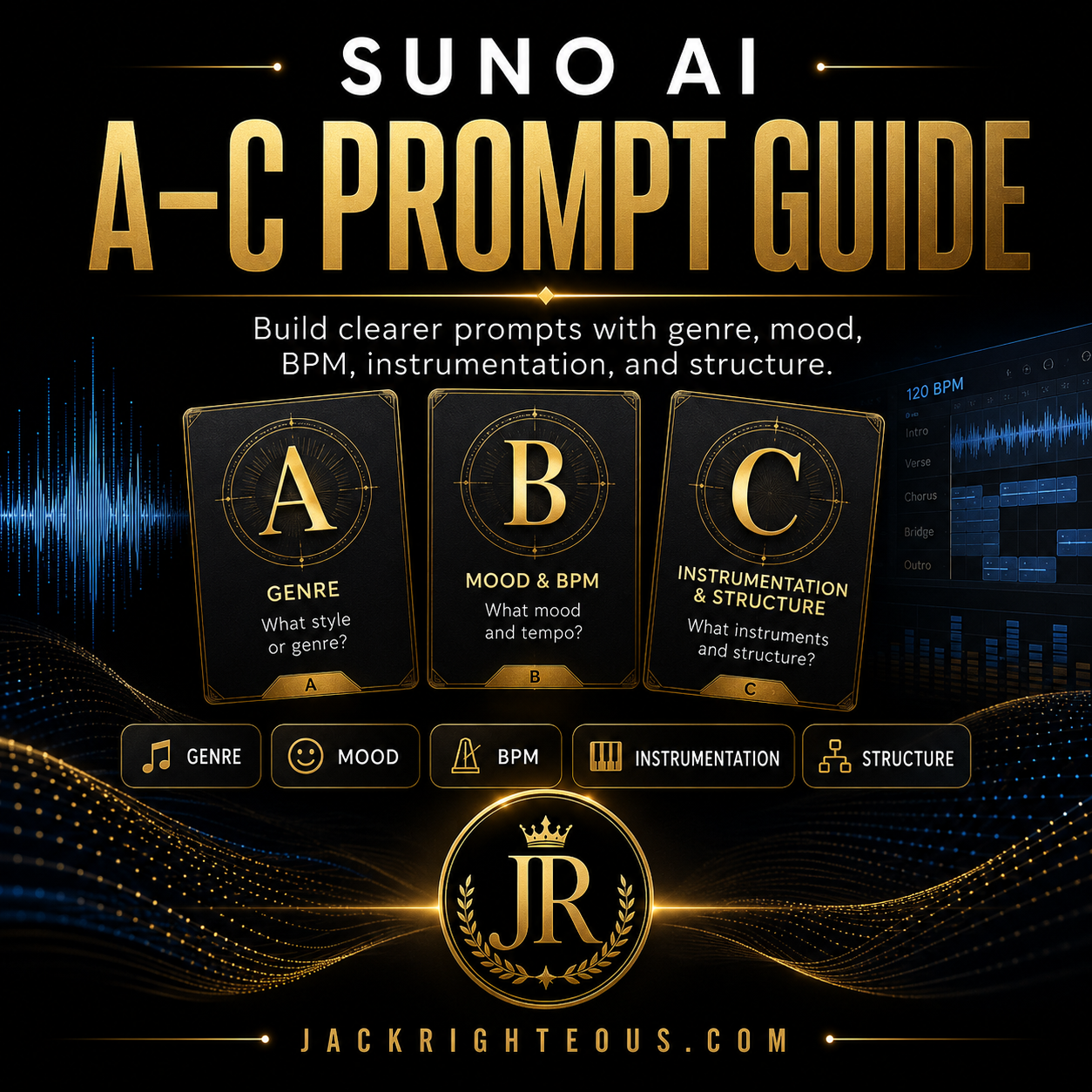
AI Music Prompt Design · Suno-Ready A–C Examples
A useful AI music prompt gives the model a small number of clear production decisions: musical lane, energy, pace, sound palette and vocal or arrangement direction. This guide teaches that reusable structure first, then gives you 27 copyable Suno-ready examples from A to C.
Reviewed and platform-verified: August 14, 2026.
General principle first
Five production decisions make an AI music prompt clearer
Prompt length is not the goal. Each phrase should have a job. Think of the prompt as a compact production brief that tells the system what must remain coherent.
Choose the main genre or musical family before adding modifiers.
Describe the emotional and performance intensity.
Use approximate BPM or movement to shape groove and section pacing.
Choose three to five instruments, textures or production anchors.
Define the lead delivery or one important arrangement contrast.
Reusable formula
Primary genre + mood/energy + BPM/pace + 3–5 sound anchors + one vocal or section direction
27 copyable examples
A–C AI music prompts you can adapt in Suno
These are starting briefs, not guarantees. Copy one, generate a baseline, then change one or two details based on what you actually hear. Describe musical qualities directly instead of depending on a living artist’s name.
A cappella
Adjust: Change the ensemble size or vocal range before adding more production language.
Acid Jazz
Adjust: For a smoother result, lower the BPM and replace slap bass with warm electric bass.
Afrobeat
Adjust: Add one vocal direction such as bright male lead or soulful female lead.
Amapiano
Adjust: Keep the percussion language focused so the log drum remains the main anchor.
Ambient
Adjust: State instrumental when you do not want the model to introduce a vocal.
Americana
Adjust: Add a vocal character and one lyrical mood rather than several emotional adjectives.
Alternative R&B
Adjust: Use a production boundary such as dry close vocal or minimal reverb.
Alternative Rock
Adjust: Add a section goal such as restrained verse and explosive chorus.
Art Pop
Adjust: Name one unusual instrument or arrangement idea instead of adding more genres.
Ballad
Adjust: Define the chorus lift so the arrangement has somewhere to grow.
Bedroom Pop
Adjust: Use one texture boundary such as tape warmth or clean modern production.
Big Band
Adjust: Specify crooner, jazz belter, or instrumental rather than leaving the vocal open.
Bluegrass
Adjust: Use a clear lead instrument so the arrangement does not crowd every part equally.
Blues
Adjust: Choose slow blues, Texas blues, or Chicago blues only when that distinction matters.
Boom Bap
Adjust: Add a vocal cadence or instrumental instruction, not several unrelated rap subgenres.
Bossa Nova
Adjust: Keep the vocal delivery understated so it does not fight the groove.
Breakbeat
Adjust: Set a cleaner production boundary when you want less chaos.
Britpop
Adjust: Add one era-neutral production cue instead of naming a living artist.
Celtic Folk
Adjust: Choose a lead instrument and keep the rest supportive.
Chamber Pop
Adjust: Use a restrained verse and wider chorus to create contrast.
Chillhop
Adjust: State instrumental and define whether it is for study, podcast, or background use.
Chiptune
Adjust: Add one modern production cue if you want more weight without losing the 8-bit identity.
Cinematic
Adjust: Describe the scene function such as opening reveal, pursuit, or final resolution.
Classic Rock
Adjust: Define the vocal character and chorus size instead of adding more rock labels.
Cloud Rap
Adjust: Use a dry or airy vocal boundary to control how distant the lead feels.
Contemporary Christian
Adjust: State whether the song is personal testimony, worship, encouragement, or narrative.
Country
Adjust: Add the vocal age, tone, or perspective without imitating a named performer.
Prompt improvement
Turn a broad request into a usable production direction
The clearer version is not better because it is longer. It is better because every phrase controls a different production decision.
Too broad
“Emotional country song…”
Emotional country song with guitars and a powerful singer.
Clearer target
Give each phrase a job
Modern country, heartfelt and direct, 95 BPM, acoustic guitar, pedal steel, warm bass, tight snare, mature male baritone, intimate verse and immediate chorus lift.
Why the second prompt is easier to evaluate
- Modern country establishes the lane.
- Heartfelt and direct defines delivery.
- 95 BPM sets pace.
- Four sound anchors define the palette.
- Mature male baritone defines vocal character.
- Verse-to-chorus contrast gives the arrangement a destination.
Apply before generating again
A one-minute prompt audit
Do this before spending another generation. It helps separate a prompt problem from a structure, source or personalization problem.
Prompt clarity
- One clear primary musical lane?
- One useful mood or energy direction?
- Pace or BPM if it matters?
- Only the strongest sound anchors?
- One vocal or section goal?
Revision control
- Saved the strongest baseline?
- Changing only one main variable?
- Structure guidance placed where it belongs?
- Describing sound—not only emotion?
- Other personalization or reference inputs affecting the result?
Common failure patterns
Most weak prompts are unclear, overloaded or impossible to diagnose
Genre overload
Several genres compete for the main lane. Choose one primary genre and add a modifier only when it has a clear job.
Emotion without sound
Feelings alone do not define arrangement. Connect emotion to pace, instruments, vocal delivery and section movement.
Instrument overload
Too many sound requests compete for space. Start with three to five anchors and add only what has a role.
No contrast goal
If every section receives the same energy, define one transition such as intimate verse → wider chorus.
Changing everything
If genre, tempo, singer and arrangement all move at once, you cannot learn what caused the improvement.
Named-artist dependence
Describe genre, era, vocal qualities, instruments, rhythm and production directly instead of relying on imitation.
Reference the craft, not the person
If an artist reference helps you explain the idea, translate it into musical decisions
Instead of depending on a performer’s name, break the reference into the parts you actually want to control: cadence, rhyme density, hook behavior, phrasing, groove, instrumentation and emotional direction. Then make those choices your own.
What this looks like before Suno
I tested that exact approach with Melody Genie as an upstream songwriting step: identify the craft inside the reference first, develop the lyric and direction, then bring the finished decisions into Suno.
Learn → apply → build
Choose the next step based on the problem you still have
This free guide is meant to be usable on its own. Go deeper only when you can name what is still blocking the song.
Apply · Free
Test one real project
Use the Free AI Music Starter Kit to turn the prompt into an intentional first-project brief and keep track of what changes.
Build the system
Prompting is only one part of your sound
Find Your Sound connects direction, prompting, structure, revision and production choices into a more repeatable workflow.
Deeper prompt control
Need stability after the first generation?
The protected A–C companion focuses on control, failure diagnosis and repeatability. Existing eligible members can use the Member Access Hub if access does not open.
Related free learning
Continue with the guide that matches the next problem
Need stronger prompt design?
Move beyond genre lookup and make the production brief more intentional.
Need section control?
Use structural tags when the sound is close but the song is not developing correctly.
Need advanced control language?
Use the advanced guide when basic prompt improvements are no longer enough.
Quick answers
AI music and Suno prompt FAQ
What makes a good AI music prompt?
A good prompt gives the model a small number of coherent production decisions: musical lane, energy, pace, sound palette and vocal or arrangement direction. More words are useful only when they clarify one of those jobs.
Should I use these Suno prompts exactly as written?
No. Use them as starting briefs. Generate a baseline, keep what works, and change one or two details based on the song you are actually making.
Does BPM guarantee an exact tempo?
No. BPM is a useful direction signal in generative music, but it should not be treated like DAW-level tempo locking.
Why does my AI song still sound generic?
The prompt may need a clearer sound palette, vocal character, arrangement contrast or production boundary. It may also be interacting with other active inputs or personalization.
Should I list every instrument I want?
Usually no. Start with three to five strong sound anchors. Add another instrument only when you can name the role it should play.
Where do structure instructions go in Suno?
Use the Styles area for broad sonic direction. In Custom mode, visible section labels and other lyric-linked structure guidance can live with your lyrics when the arrangement needs it.
Do these prompt principles work outside Suno?
Yes at the production-brief level. Other AI music tools may use different fields and controls, but clear decisions about style, energy, pace, palette and performance remain useful.
When should I use the protected A–C companion?
Use it when the starting prompt is already clear but revisions still drift, instructions conflict, or you need a more repeatable control process. The free guide remains complete for learning the foundation.
Official sources checked August 14, 2026
Current Suno references used for this guide
Suno-specific feature statements were checked against current official documentation. The five-part production-brief framework, examples and revision guidance are independent Jack Righteous creator guidance.
Suno Help · Detailed Style InstructionsSuno Help · Using Your Own Lyrics / Custom ModeSuno Help · What’s New in v5.5Suno Help · My TasteSuno Help · Custom Models in v5.5Continue the Suno workflow
Do not stop at one Suno feature or prompt.
Connect setup, song development, editing, rights and release through the complete Suno guide and workflow hub.

Discussion
to Professor A Balasubramanian of Mysore University: it’s really good! I’ve subscribed to your channel
Anonymous · May 26, 2025
Please see all my Tamil songs in YouTube made using suno.
https://youtu.be/ZAAEk1liCuA?si=3LnH5vID9ygdL9oq
Professor A Balasubramanian of Mysore University · May 03, 2025
because you asked for it, I did my best to provide a guide: https://jackrighteous.com/blogs/guides-using-suno-ai-music-creation/suno-ai-tamil-devotional-music-guide
Gary Whittaker AKA Jack Righteous · January 31, 2025
I am in need of tamil song promts for creating a devotional song please guide me
Anandakumar · January 10, 2025