October 19, 2026
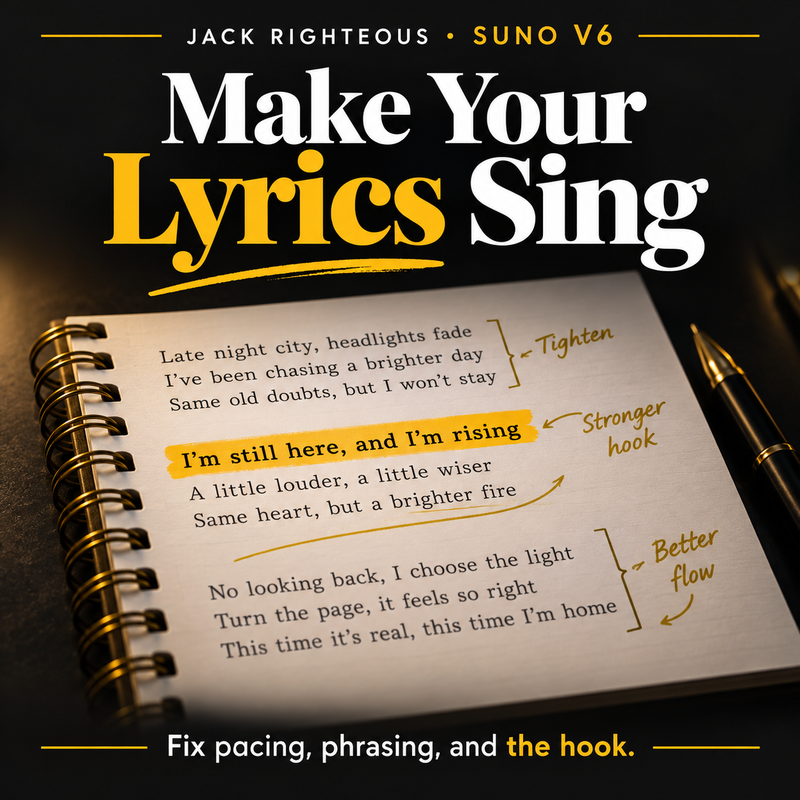
How to Optimize Suno V6 Custom Lyrics: Best Practices & Fixes
Optimize Suno v6 Custom Lyrics with a practical chorus rewrite, a reusable editing brief, six diagnostic fixes, and a free revision exercise.
Read guide →
Curated starting shelf Eight core free resources for creators who do not...
SEARCH JACK RIGHTEOUS
Search the full ecosystem, or use a clear starting route below.
NEW OR NOT SURE?
Begin with one useful test. Go deeper only after the work tells you what kind of help you need.
Use Suno for implementation, then return to the system that owns the creative decision.
Jack Righteous Suno Creator Library
Practical Suno guidance for stronger songs, clearer workflows, better editing decisions, responsible release preparation and a body of work worth building around.
Newest From This Library

October 23, 2026
Can a Suno song win an AI music award? Compare open 2026 awards, commercial-use rights, AI disclosure rules, entry formats and a practical submission checklist.
Read This Guide →Latest Articles, Lessons and Updates
October 19, 2026
Optimize Suno v6 Custom Lyrics with a practical chorus rewrite, a reusable editing brief, six diagnostic fixes, and a free revision exercise.
Read guide →
October 19, 2026
A practical Suno v6 Style of Music optimization guide: rewrite unclear prompts, diagnose genre and vocal drift, and test one improvement with free examples.
Read guide →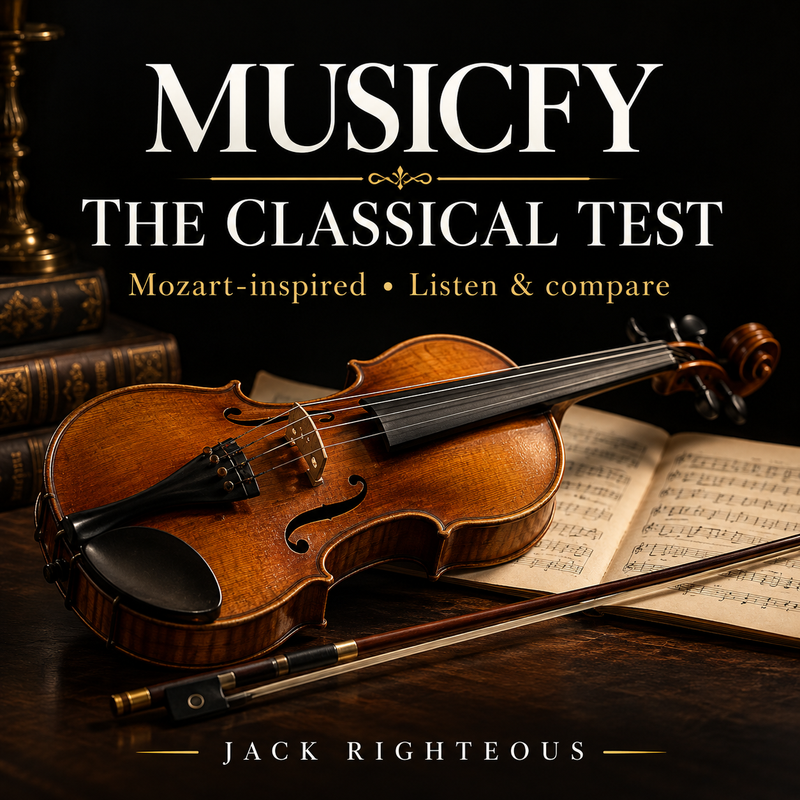
October 16, 2026
Two Musicfy instrumental classical-music experiments based on the same Mozart-inspired finale concept tested in Suno v6. Compare the structure, orchestration and musical results.
Read guide →October 16, 2026
Listen to four Suno v6 Mozart-inspired orchestral finale generations, including standard and Wild versions. Compare the musical results, explore Jack Righteous's original classical-prompting guides,...
Read guide →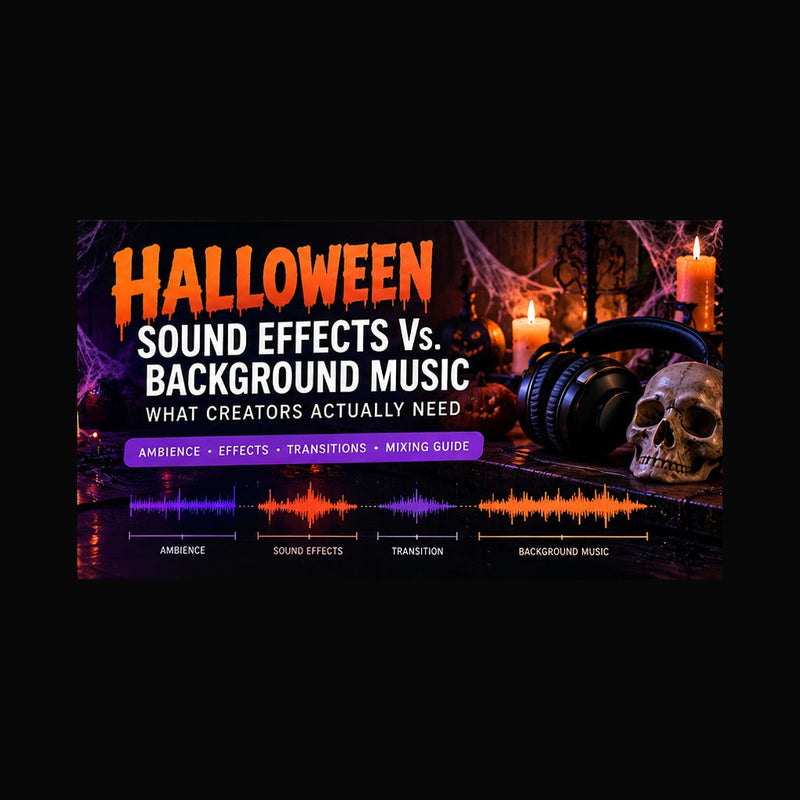
October 13, 2026
Halloween sound effects vs. background music: five audio layers, a 15-second haunted hallway soundscape, six AI audio directions, mixing checklist, and Suno Sounds training...
Read guide →
October 13, 2026
10 Halloween Instagram Reel concepts with shot-by-shot plans, AI music directions, business-use rights and a fast production workflow for creators.
Read guide →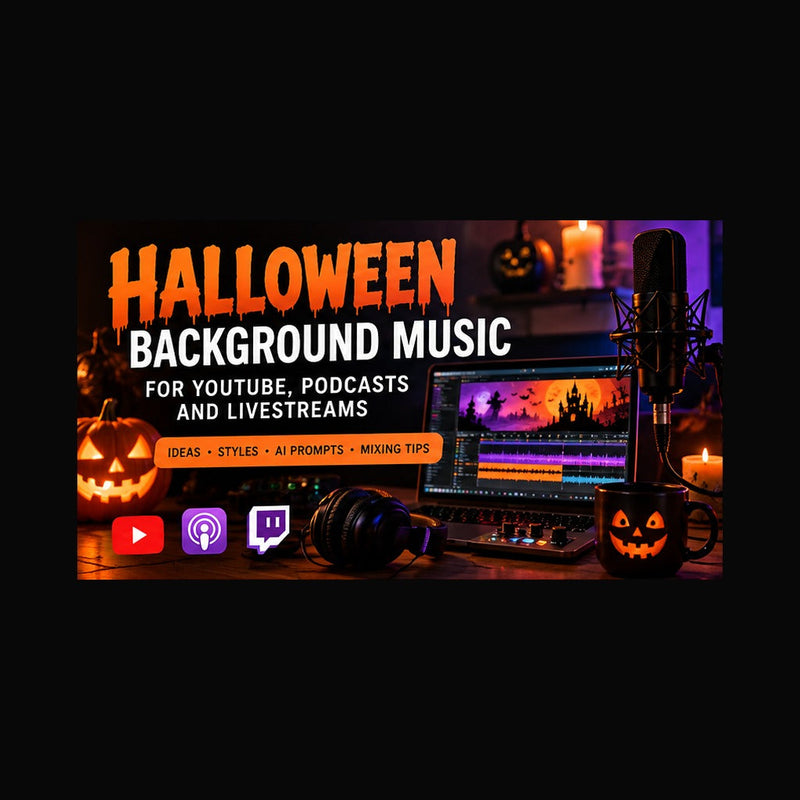
October 13, 2026
Choose and mix Halloween background music for YouTube videos, podcasts and livestreams. Original AI music prompts, platform-specific licensing checks, a 30-minute workflow and publishing...
Read guide →
October 13, 2026
Halloween YouTube copyright guide for AI music: Suno commercial-use rights, Content ID claims, strikes, synthetic disclosures and a seven-step upload checklist.
Read guide →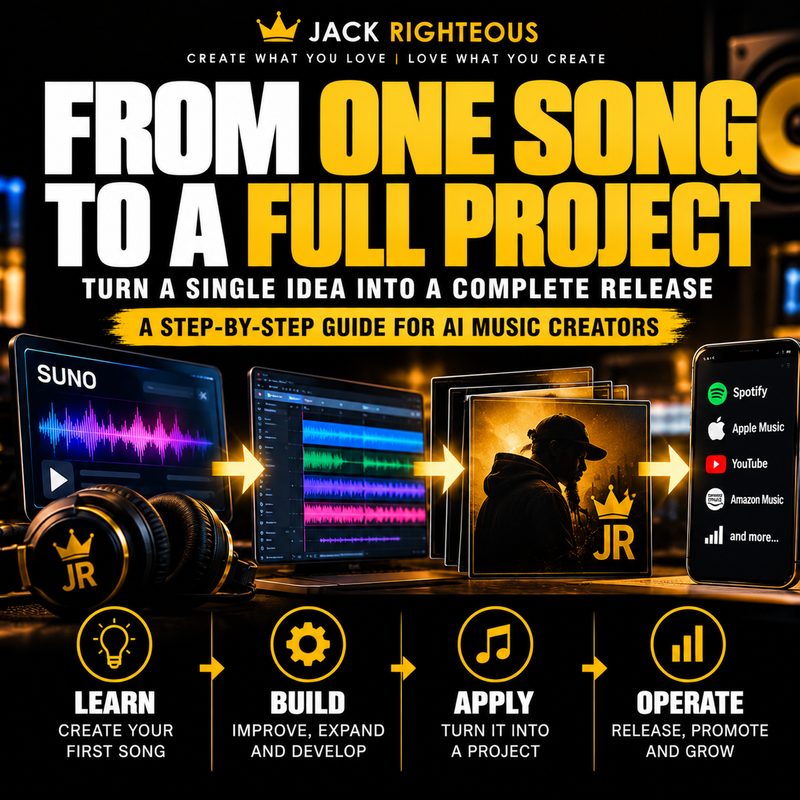
October 06, 2026
Free LEARN stage: understand how one AI song becomes a project through survivor selection, audience testing, feedback interpretation, project fit and the distinction between...
Read guide →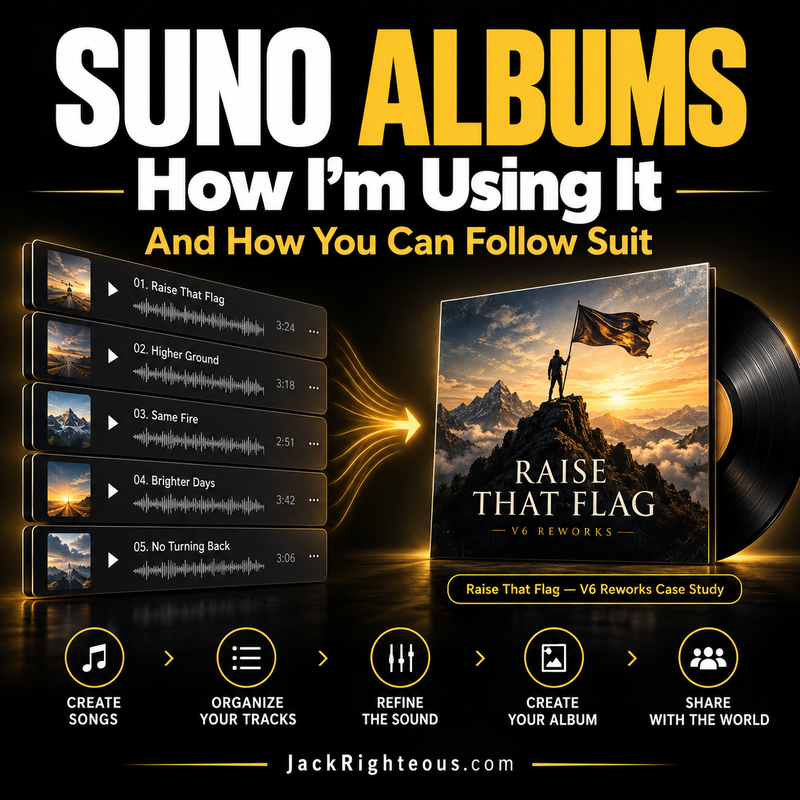
October 05, 2026
Follow Jack Righteous as I build Raise That Flag — V6 Reworks in Suno. The live case study now documents the actual 8-track, 30:23...
Read guide →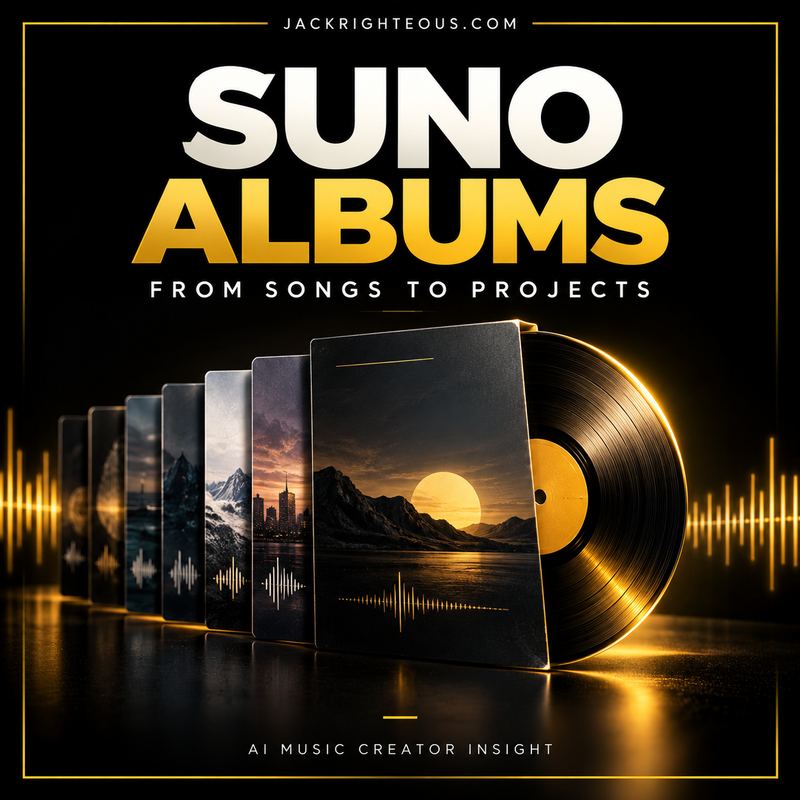
October 05, 2026
Suno Albums launched October 5, 2026. Learn how the new feature works, how it changes AI music creation, and what to check before publishing...
Read guide →Continue With Direction
Move from setup and prompting through song development, editing, rights, release and the creator platform around the music.
