Jack Righteous Shop

Choose the resource that matches the work in front of you.

Review the product details, delivery terms and current checkout information before purchasing.

Purchase typeShown on this product page and at checkout.
Best forCreators who need this specific resource.
DeliveryConfirm the product description and checkout terms.
Skip to product information
1 of 2

Jack Righteous

Human Contribution Record Checklist – Free AI Music Evidence PDF

Human Contribution Record Checklist – Free AI Music Evidence PDF

Regular price $0.00 USD
Regular price Sale price $0.00 USD
Sale Sold out
Taxes included. Shipping calculated at checkout.
Quantity
Free PDF · Single-track evidence record · 2026 Edition V1.4

Document What You Actually Contributed to Your AI Song

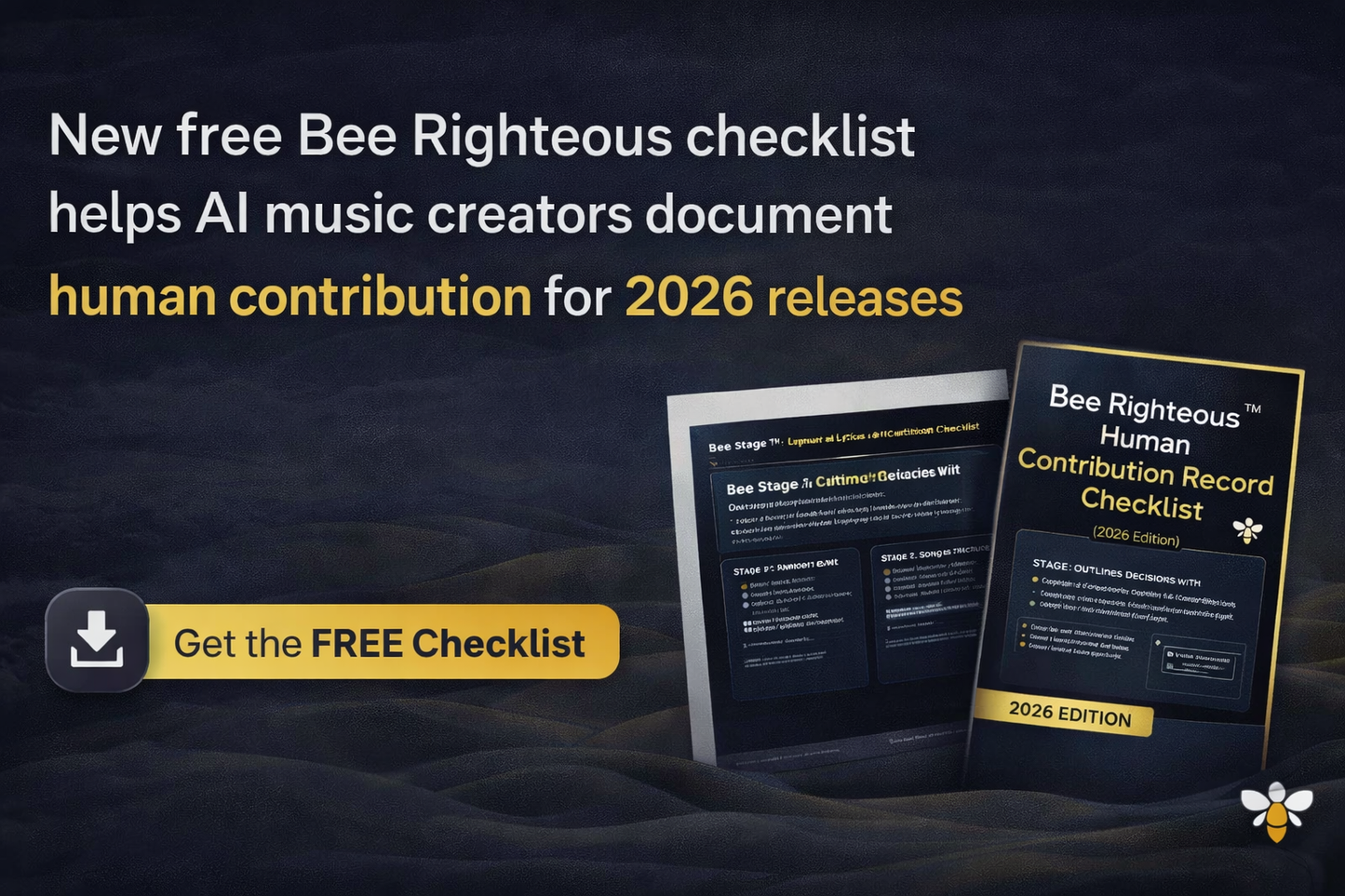
The Human Contribution Record Checklist is a free three-page PDF for recording the human choices, writing, revisions, selections, edits and file evidence behind one AI-assisted music track.

It does not create copyright or guarantee ownership. It gives you a clearer record of what you did, when you did it and which files support your account of the creative process.

What you receive

A Focused Record for One Song

Use a fresh copy for each track. The checklist helps you document one project in detail before moving into rights review, packaging or release preparation.

PriceFree · $0 CAD
Format3-page PDF
Edition2026 · Version 1.4
Best useDocumenting one track

Educational workflow resource only. No physical item will be shipped.

Why records matter

Your Memory Is Not a Documentation System

AI music projects can involve dozens of generations, lyric rewrites, structure changes, extensions, edits, exports and final masters.

Weeks later, it may be difficult to remember which prompt produced the selected version, what you changed, why you chose it or which file was actually released.

The checklist helps preserve

  • Your song concept and intent
  • Lyrics and prompt revisions
  • Version choices and rejected outputs
  • Editing and production decisions
  • Final exports and supporting files
Human contribution categories

What Can You Record?

Concept and lyrics

  • Original song idea
  • Human-written lines
  • Hook and rhyme choices
  • Story and emotional purpose

Structure and direction

  • Verse and chorus order
  • Intro and ending decisions
  • Vocal and instrument direction
  • Energy progression

Selection and editing

  • Versions reviewed
  • Reasons for final selection
  • Trimming and rearranging
  • Mixing, mastering and exports
Recording an activity does not guarantee that the activity is legally protectable. The goal is a factual record of the human process.

What may be weak on its own

  • Clicking Generate
  • Choosing a preset
  • Paying for a subscription
  • Downloading an output
  • Renaming a file
  • Making only trivial formatting changes

Why context matters

These actions may be part of a larger creative workflow, but by themselves they may not show substantial human authorship or control.

Document the decisions, revisions and evidence that surround them.

Five-stage workflow

What the Checklist Walks You Through

1. Define the track

Record the working title, date, purpose, intended sound and platform.

2. Record the inputs

Save lyrics, prompts, exclusions, references, settings and collaborator notes.

3. Track versions

Identify important generations, what changed and why one version was selected.

4. Record human edits

Document lyric rewrites, structural changes, audio edits, mixing and mastering choices.

5. Build the evidence package

Organize the final file, earlier drafts, screenshots, prompts, exports and dated notes.

Minimum Evidence Pack

What Should You Save?

  • Final lyrics and an earlier draft
  • Final prompt and key revisions
  • Selected generation link or ID
  • At least one earlier or rejected version
  • Screenshots showing dates or history
  • Editing-session file where applicable
  • Exported audio and final master
  • Cover and metadata record
  • Selection notes
  • Collaborator credits and permissions
A folder full of files is not automatically meaningful evidence. Name, date and connect each record to the decision it supports.
Version control

Use File Names That Preserve the Story

Clear names make it easier to understand the order in which versions were created.

Artist_SongTitle_Version_Date_Status.ext

Example: JackRighteous_ForkInnaDiRoad_V07_2026-07-28_FinalMaster.wav

Avoid names like

  • final.wav
  • final2.wav
  • newfinal.wav
  • finalreallyfinal.wav
Folder system

Keep One Track in One Organized Folder

  • 01 Concept
  • 02 Lyrics
  • 03 Prompts
  • 04 Generations
  • 05 Selected Version
  • 06 Edits and Mixes
  • 07 Final Masters
  • 08 Artwork and Metadata
  • 09 Rights and Permissions
  • 10 Release Records
Collaborators

Record Other People’s Work Accurately

A personal contribution record should support honest attribution, not erase or minimize somebody else’s work.

  • Name and contact details
  • Role and contribution
  • Date and file contributed
  • Agreed credit
  • Ownership or split discussion
  • Written permission
  • Payment status
  • Supporting messages or agreements
AI versus human work

Separate Tool Output From Human Decisions

AI-assisted element

  • Generated instrumental
  • Generated vocal
  • Generated structure
  • Generated lyrics
  • Automated mastering

Human record

  • Style and prompt direction
  • Lyric writing and pronunciation notes
  • Rearrangement and section replacement
  • Rewriting, deletion and ordering
  • Comparison and final approval
Do not describe the entire output as human-created when substantial parts were generated by a tool. Record both sides honestly.

What this record may help with

  • Reconstructing your workflow
  • Explaining creative decisions
  • Crediting collaborators
  • Preparing rights questions
  • Maintaining release records

What it does not guarantee

  • Copyright protection
  • Registration or ownership
  • Monetization eligibility
  • Distributor acceptance
  • Content ID approval
  • Freedom from infringement
Checklist or tracker?

Choose the Right Free Tool

Use this checklist when

  • You are documenting one song
  • You need a minimum evidence package
  • You want a naming and folder system
  • You need a detailed creative record

Use the Rights + Contribution Tracker when

  • You manage several songs
  • You need a song log
  • You track links and release status
  • You want ongoing project organization
View the Free Tracker
Personal learning licence

What May You Do With the PDF?

You may

  • Download and print a personal copy.
  • Use a fresh copy for each track.
  • Store completed records privately.
  • Discuss the workflow with collaborators.
  • Share the official product-page link.

You may not

  • Resell or redistribute the PDF.
  • Rebrand it or remove JR branding.
  • Add it to another paid product.
  • Upload it to a resource library.
  • Distribute it to a class or membership without permission.

Privacy: Completed records may contain unpublished lyrics, private prompts, collaborator information and unreleased files. Store them securely.

Continue through JR

Take the Next Useful Step

Frequently asked questions

Human Contribution Record FAQ

Is the checklist free?

Yes. The product price is $0 CAD.

How many pages are included?

Three pages in the current 2026 Edition, version 1.4.

Is this for one track or several?

It is designed as a detailed record for one track. Use a new copy for each song.

Does it prove I own the song?

No. It documents your process but does not independently establish ownership or copyright.

Can I use it with Suno and other tools?

Yes. It can support Suno, other AI music platforms, DAWs and hybrid workflows.

When should I complete it?

Complete it while the project is still fresh, ideally when you select the working final version and before release.

Is this the same as the Rights + Contribution Tracker?

No. This is a detailed single-track checklist. The tracker is for managing several songs and release stages over time.

Is this legal advice?

No. It is an educational workflow tool.

Digital delivery and support

How the Free PDF Is Delivered

Complete the free checkout using an email address you can access. Follow the download instructions shown after checkout or provided through the delivery email, then save a backup copy.

If the file is missing, damaged or materially different from the description, email info@jackrighteous.com with the subject Human Contribution Checklist 2026 — Issue Report.

Create what you love · Love what you create

Document the Work Before the Details Disappear

Use one record per track to preserve your lyrics, prompts, versions, decisions, edits, exports and supporting files.

View full details