
Jack Righteous Resource Guide
Know what you’re getting before you begin.
See who this resource is for, how access works, and what happens after checkout.
Access
Free resource
Best for
Creators who want focused guidance for this stage of their work.
What happens next
Access instructions are provided after checkout.


Jack Righteous
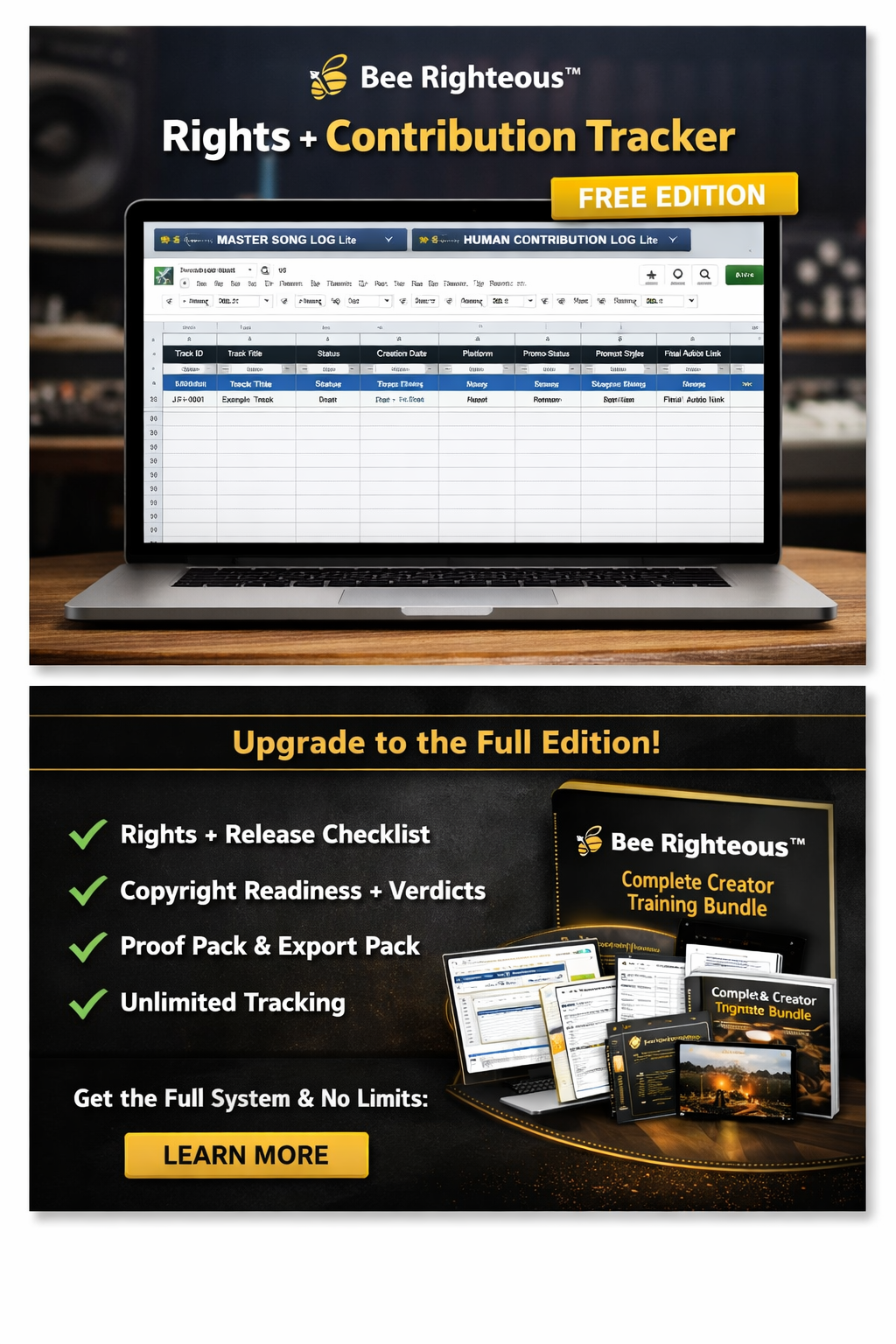
AI Music Rights + Contribution Tracker – Free Song Log
AI Music Rights + Contribution Tracker – Free Song Log
Couldn't load pickup availability
Free Creator Worksheet · Rights Chain
AI Music Rights + Contribution Tracker
Connect every important part of a song to its source, contributor, permission and release status.
A free worksheet for independent artists using AI music tools
Jack Righteous’s free song log helps you track a music project’s sources, contributors, permissions and release status. Use it alongside the tool that creates or edits your music, then keep the record with the song’s supporting files.
Start with one song
- Identify the exact song and version you are documenting.
- List each component and its source: lyrics, music, vocals, samples, artwork and master.
- Record the contributor, permission evidence and any unresolved question for each component.
- Review the record before the next upload, client delivery or release.
What you should finish with: one song-level record showing what you used, who contributed and what still needs checking.
Free or paid? Stay with this free log for one-song documentation. Choose the C$5 Excel release tracker when you need to organize multiple tracks, versions, identifiers and distributor records.
Follow the AI Creator Rights Roadmap →
Created by Gary Whittaker, Founder and Operator at JackRighteous.com · Creator Consultant.
Use one tracker per song, client project or licensable track. The goal is not to make a legal conclusion. It is to stop your release history from becoming a memory test.
What to map
- lyrics, melody, arrangement, vocals, instrumental, samples, artwork and final master;
- whether each element is human-created, AI-generated, licensed, public domain or third-party;
- creator, owner, collaborators and agreed splits;
- commercial-use permission and any exclusivity limits;
- voice consent, sample clearance and supporting files;
- distribution, registration, licensing and Content ID status.
Use the right record for the right question
When to move beyond this free tracker
Stay with the tracker for routine source and contribution logging. Move to the AI Music Rights Record — Label Edition when an important track needs provenance, contributors, evidence, conditions, blockers and the release decision assembled into one reviewable project record.
What this tracker does not do
A completed tracker helps preserve your records. It does not automatically prove copyright ownership, clear third-party material, guarantee distributor acceptance or replace legal advice. For a high-value or disputed release, get qualified advice for the facts and jurisdiction involved.
When the project outgrows a single rights record
Stay with the free tracker while the issue is documentation. Move up when the decisions start connecting.
If rights questions now connect to release planning, collaborators, multiple songs, platform rules or monetization decisions, Complete Access is the strongest JR support level. If the work is still mainly one active lane, Creator Pro may be enough.

Really useful. Getting the steps organized and structured is not only helpful but also saves you a lot of time.
