
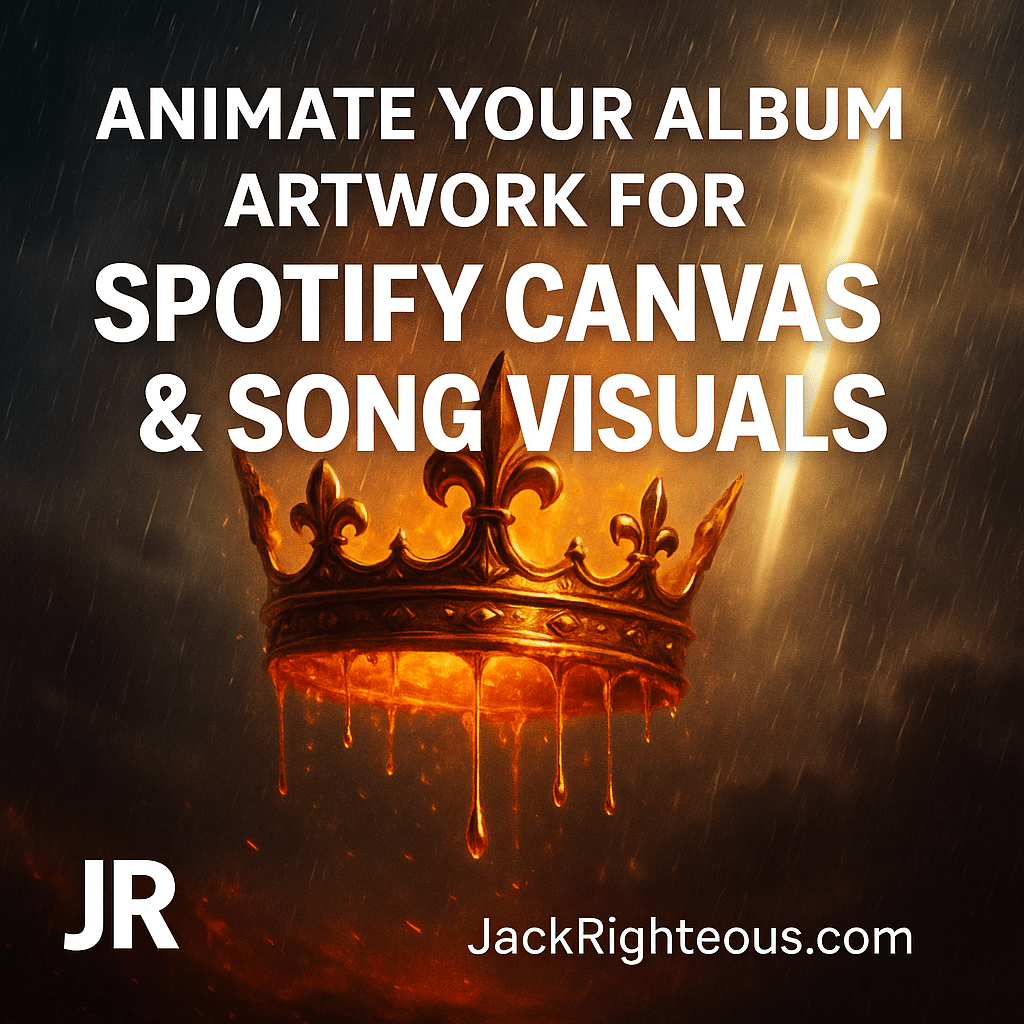
Animate Your Album Artwork for Spotify Canvas & Song Visuals
Gary Whittaker
🎵 Hook
Static artwork is great—animated visuals are scroll-stopping. Motion turns a good cover into a full experience. This guide shows you how to bring your album art to life for Spotify Canvas, Suno AI song videos, and other motion-ready formats.
1️⃣ Why Add Motion to Your Album Covers
Listeners make decisions in seconds. Moving artwork keeps them engaged longer and makes your track more memorable. Benefits include:
- Increased listener retention on Spotify and other DSPs
- Eye-catching visuals for social media and music promos
- Reusability across multiple platforms, saving you time and design costs
- Stronger brand presence and storytelling through visual movement
2️⃣ Spotify Canvas Specs (2025)
To ensure your animated visual uploads correctly and looks professional, follow these updated Spotify guidelines:
| Requirement | Specification |
|---|---|
| Aspect Ratio | 9:16 vertical (portrait format) |
| Resolution | 1080 x 1920 px (minimum 720 x 1280 px) |
| Duration | 3–8 seconds, looping seamlessly |
| File Type | MP4 or JPEG sequence (no audio) |
| File Size | ≤ 8 MB |
| Content Rules | No URLs, promo text, or overt branding overlays |
Tip: Test your loop on mobile before uploading via the Spotify for Artists app.
3️⃣ Suno AI Video Preview Dimensions
Suno AI’s generated videos currently support 16:9 landscape format for web previews. Recommended specs:
- Aspect ratio: 16:9 (landscape)
- Resolution: 1920 x 1080 px
- File type: MP4, H.264 encoding
- Length: Matches your song segment (30s preview or full track)
⚠️ If you’re creating one design for both Canvas and Suno video previews, you’ll need two versions:
- 9:16 (vertical): for Spotify Canvas
- 16:9 (horizontal): for Suno song videos and YouTube
Tools like Canva or CapCut make it easy to reformat one static cover into both layouts before animating.
4️⃣ Repurposing Static Covers Into Motion Assets
Once you’ve designed your album cover, you can animate it with these steps:
- Layer your artwork: Separate crown, background, text, light rays, and rain effects.
- Add motion: Use Canva, CapCut, or After Effects to animate drips, embers, and glowing light.
- Loop test: Export and preview a seamless 3–8 second loop for Spotify Canvas.
- Create horizontal version: Reposition layers for a 16:9 frame to use as a Suno video or YouTube visualizer.
5️⃣ Prompt Templates for Animated AI Art
ChatGPT Prompt: "Create a 7-second vertical motion scene inspired by my album cover for [Your Song Title]. Include glowing oil drips, embers rising, rain falling in slow motion, and divine light beams. Loopable, cinematic, 9:16 ratio, optimized for Spotify Canvas."
Leonardo AI Prompt: "Vertical video animation of a radiant golden crown dripping oil, fiery atmosphere, faint sword of light, and rain particles moving in a loop, 1080x1920, 8-second seamless MP4, cinematic gospel-trap aesthetic, no text, no watermarks."
6️⃣ Exporting & Uploading Your Motion Covers
- Export at 1080x1920 (Canvas) and 1920x1080 (Suno/YouTube)
- Format: MP4, H.264, 30 fps for smooth playback
- Keep file size under 8 MB for Spotify Canvas
- Test looping behavior before final upload
- Upload via Spotify for Artists mobile app for fastest sync
✝️ Prophetic Takeaway
Your music tells a story—and motion brings that story to life before a single lyric plays. A well-crafted animated cover can turn scrollers into listeners and help your song shine across every platform.
Ready to Launch or Level Up Your AI Music Journey?
🔹 Start Here – The Suno AI Creator Guide:
https://jackrighteous.com/pages/suno-guide-getting-started
🔹 Learn to Brand with Sound – GET JACKED Into Suno Branding:
https://jackrighteous.com/pages/start-ai-music-branding
🔹 Unlock the Full Anthem Path – GET RIGHTEOUS System Access:
https://jackrighteous.com/pages/get-righteous-anthem-guide
(Requires one of the following:
– https://jackrighteous.com/products/get-jacked-full-pro-kit
– https://jackrighteous.com/products/get-jacked-pro-ai-music-kit
– https://jackrighteous.com/products/sanctuary-digital-download-support-the-album-build)

